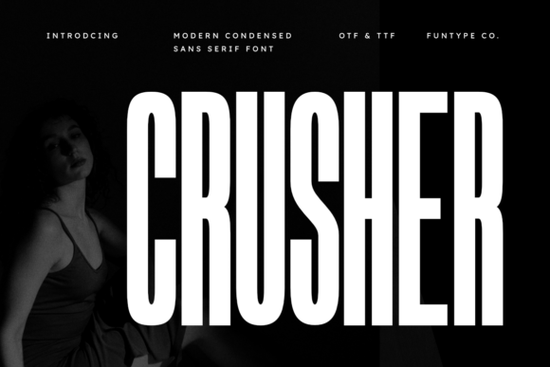
If you work with graphic assets for merchandise or branding, finding type that holds attention is difficult. Standard weights often fade into the background on busy backgrounds or small screen displays. This is where Crusher Font becomes a reliable tool. Its condensed structure allows you to fit large headlines into limited spaces without sacrificing legibility.
Understanding the visual weight
A condensed sans serif brings a specific kind of energy that loose letter-spacing does not. You gain vertical authority because the character width is tightened, creating a solid column of ink. This structural choice prevents white space from diluting your message. When combined with bold strokes, it ensures the text punches through complex imagery or textured paper. It acts like a foundation, supporting the rest of the design hierarchy without competing for center stage.
Sometimes designers seek variety beyond the initial impact. While this specific style focuses on power, the site offers access to more streamlined variations for projects needing less aggression. Exploring collections dedicated to smooth transitions can help balance heavy weights. cleaner, more fluid type options provide an excellent counterpoint if you need to soften the edges after placing this blocky header. The key is knowing when to pull back so the viewer breathes.
Where to apply this heavy type
Industrial branding and sportswear graphics benefit most from this architecture. The lack of serifs removes distractions, letting the shape speak for itself. Imagine a jersey number or a logo on a helmet; every millimeter counts. Digital posters require immediate recognition, often within seconds while scrolling. High-impact visuals need this density to communicate instantly before the eye moves on. Print-on-demand sellers find these files particularly useful because they scale up easily for wall art or mugs without pixelating.
Compatibility is also a deciding factor for production workflows. Providing both OTF and TTF formats means the software you use handles it seamlessly. Whether you are working in Adobe Illustrator, Canva, or CorelDraw, the outlines remain intact. Some projects require file flexibility depending on the end client. similar condensed designs in the library offer further testing grounds if you plan to build a full typographic suite later. Having a backup option keeps your creative process from stalling.
Technical setup and pairing
Pairing strategy determines success. Since the font is so dominant, it pairs best with lighter body text. A thin sans serif or a neutral slab creates necessary contrast. Avoid stacking it with another heavy display face, as this creates visual fatigue. Legibility suffers when everything feels equally loud. For smaller labels or instructional text on your products, switch to a simpler geometry. This hierarchy guides the customer's eye exactly where you want it.
Before adding this asset to your cart, verify the licensing terms for your specific use case. Commercial rights allow you to sell products made with the design. Crusher Font supports these commercial activities directly on the platform. Always review the license agreement to ensure your POD business or agency is covered. This step protects you from potential copyright claims down the line.
Alternatives if you want a different feel
Occasionally the mood shifts from aggressive to dynamic or grounded. If your campaign involves rapid motion or transportation themes, you might look for typefaces that suggest velocity. fonts that suggest motion capture speed differently than heavy block letters, relying on slant rather than width. This variation changes the emotional tone entirely while maintaining clarity.
Conversely, nature-based brands may find this style too harsh. Organic products require warmth and softness to resonate with buyers who value sustainability. Switching to a rounded humanist helps convey approachability. softening the layout with geometric sans serifs provides that friendly edge without losing modernity. For earthy tones and textured packaging, consider organic branding resources to match the visual language of your materials.
- Test at size: Preview your text at the exact pixel dimension it will appear on screens.
- Contrast check: Ensure the text color has sufficient difference against the background.
- Licensing audit: Confirm the subscription or purchase covers your intended platform.
- Backup files: Save the .OTF and .TTF in separate folders for version control.
- Kerning adjustment: Tighten spacing manually if gaps look uneven between characters.
Getting the spacing right transforms a generic headline into a custom piece of art. Take time to adjust tracking slightly tighter or looser depending on the surrounding imagery. The goal is harmony. Once you master the placement, this font becomes a staple in your workflow.
Download Now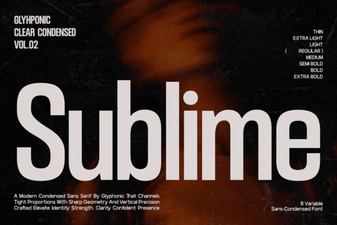 Sublime Fonts for Clean Digital Designs & Layouts
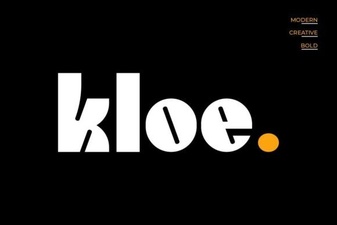 Craft Your Designs with Kloe Font
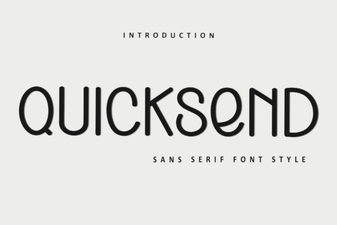 Quicksend Font: Modern Design & Creative Ideas
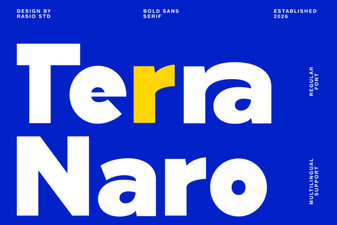 Terra Naro: a Modern Font for Creative Design Projects
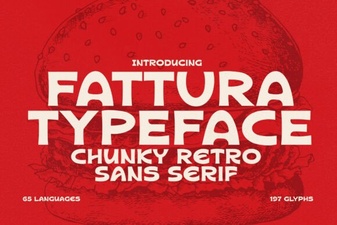 Modern Typography: Fonts for Invoice Design
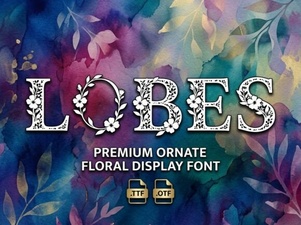 Lobes Font: Elevate Your Design Projects