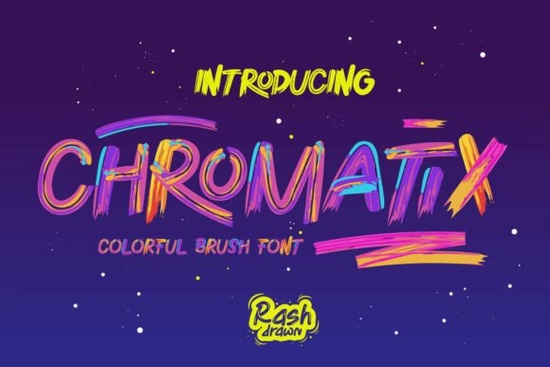
When working on graphic design projects or crafting merchandise, finding the right typography can often feel like the most difficult part. You want something that grabs attention immediately without requiring hours of editing. For creators looking for a unique touch, the Chromatix Font offers a solution designed for speed and visual impact. This specific typeface combines street art vibes with modern technology, making it a strong choice for personal and small business projects alike.
What makes this multicolor brush type different?
Standard fonts usually rely on single colors, which means you often have to manually add shading, outlines, or gradient effects to make text look interesting. Chromatix handles this differently. It is built as an OpenType-SVG file, which means the colors and textures are embedded directly into the letters. When you type a word, the character itself includes the stroke texture and color shifts.
This technology removes the need for complex pathfinding or layer masking in Adobe Illustrator or Photoshop. Instead of creating a base letter and then applying a texture overlay, you simply type and see the result. The font captures a raw, spontaneous spirit reminiscent of gallery pieces. Whether you need a bright header for a YouTube thumbnail or text for a custom sticker, the gradient effect appears instantly.
Which projects suit this style best?
Because of its vibrant and bold appearance, this design element fits well in high-contrast situations. It stands out clearly on both dark and light backgrounds. Many users find success integrating this style into print-on-demand items where color pops are essential for selling points. Here are a few common applications:
- T-Shirt Graphics: Perfect for slogans that need energy.
- Social Media Posts: Great for Instagram stories or banners where readability matters.
- Custom Stickers: The textured edges mimic real marker ink, adding authenticity.
- Banner Headers: Ideal for trade show displays or workshop signage.
For small businesses, consistency is key to branding. Using a distinct font helps customers recognize your products quickly. The authentic brush stroke texture adds a human element to digital files, which often connects better with audiences than sterile, vector-only lines.
Is setting up the files complicated?
One concern many designers have when switching to new formats is compatibility. While older software versions might not support the full color feature yet, most modern operating systems handle these files natively. On Windows or Mac, you simply install the font file just like any other system font. Once installed, it becomes available in standard application dropdown menus.
If you plan to sell physical goods using this asset, ensuring your design software renders the layers correctly before printing is important. Some older printers may not handle fine color details well, but for digital marketing or direct-to-garment printing, the resolution holds up well. Always check the file preview to ensure the colors align with your brand palette.
Where else can I find similar creative assets?
While Chromatix has a distinct personality, you might occasionally look for variations depending on your project needs. There are plenty of other options available online that share similar characteristics. If you enjoy this style but want slightly different curves, you can explore vibrant lettering collections that prioritize artistic expression.
For those who want to browse the full library to see all compatible styles, checking the official marketplace is the best step. You can search directly for Chromatix Font on the creator platform to view related bundles.
Quick Checklist Before Buying
- Verify Software Version: Ensure your design tool supports OpenType-SVG for full color rendering.
- Preview Colors: Double-check that the automatic gradients match your specific color requirements.
- Read Licensing: Confirm whether your intended use (commercial vs. personal) is covered by the standard agreement.
- Test Print: Run a test on a small piece of material if you are doing physical merch.
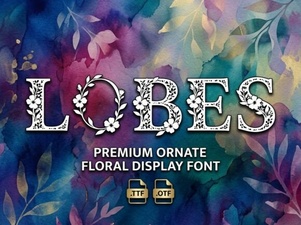 Lobes Font: Elevate Your Design Projects
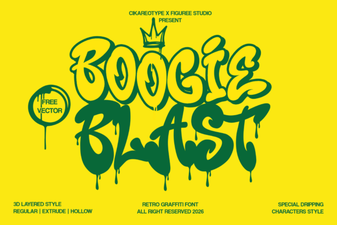 Boogie Blast Font for Retro Design Projects
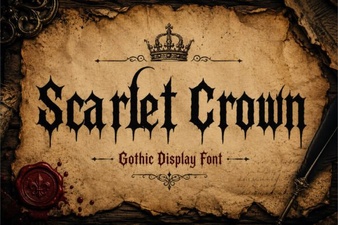 Scarlet Crown Font Design Projects & Downloads
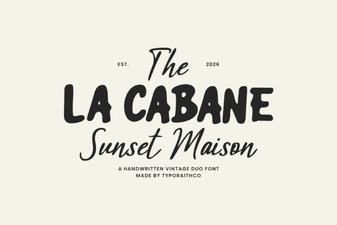 La Cabane Font: Fresh & Fun Design Ideas
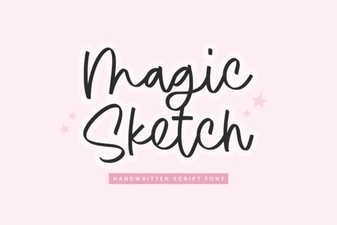 Unlock Creativity with Magic Sketch Fonts
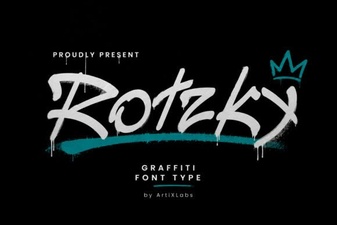 Rotzky Font: Stylish Designs for Creative Projects